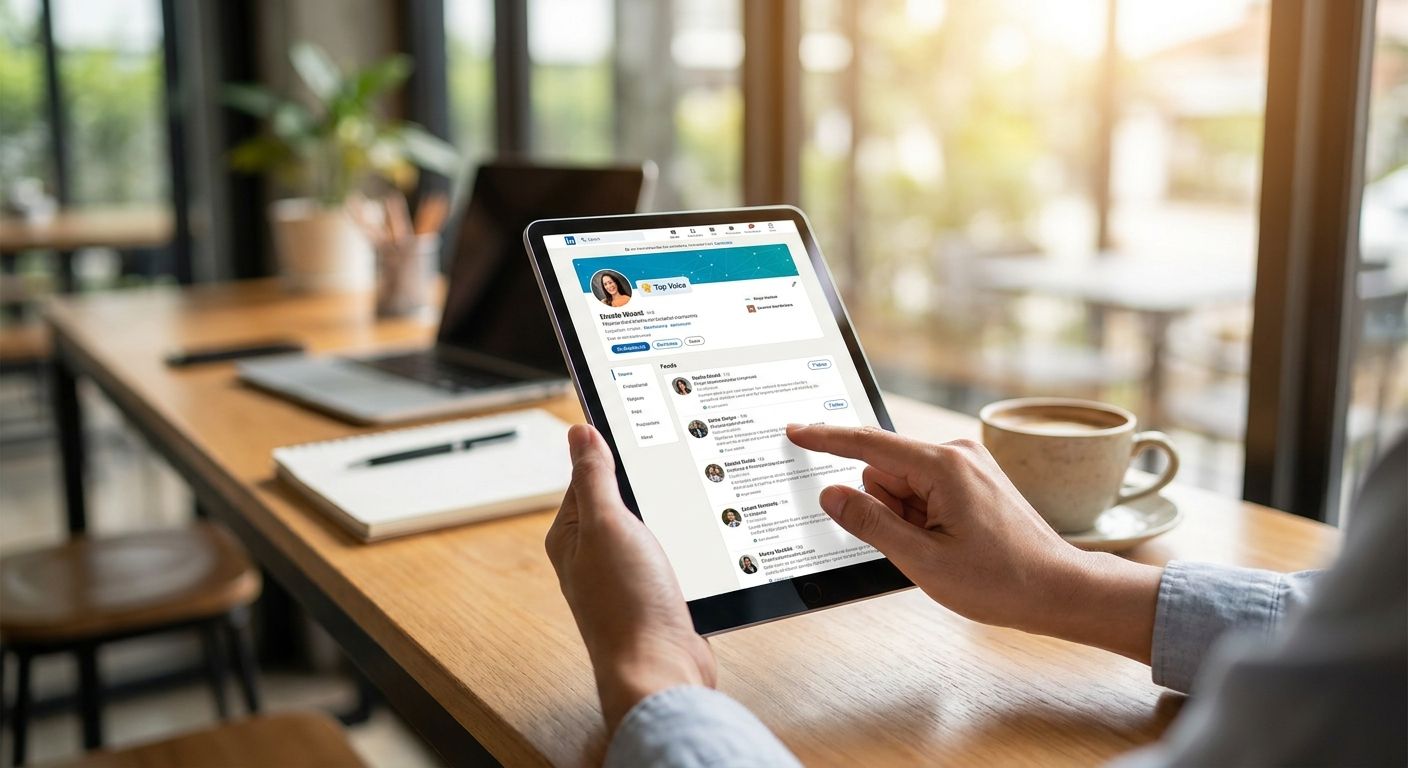
Finding the right LinkedIn voices in your industry takes more than scrolling your feed — it takes a repeatable search process you can run every quarter of 2026.
- LinkedIn's Content Discovery tool and hashtag search are the fastest free ways to find top voices in 2026 — start there before paying for Sales Navigator.
- Boolean search strings narrow results by job title, region, and keyword in seconds; skip broad single-word searches.
- Track candidates in a spreadsheet with engagement notes — voices that looked strong in Q1 2026 often go quiet by Q3.
- Engage on 5-10 posts before you ever send a connection request or pitch; cold outreach to a top voice gets ignored.
Why this matters
A handful of accounts drive most of the conversation in any given industry on LinkedIn. If you sell to B2B buyers, sponsor content, or want media placements, you need to know who those accounts are before you spend a budget on outreach.
LinkedIn reported crossing 1 billion members worldwide in December 2023, and that base has only grown into 2026 — which means the noise-to-signal ratio in any niche has gotten worse, not better. Finding a genuine top voice now requires filtering, not browsing.
Knackforge works with B2B SaaS and e-commerce clients who need a content platform that supports this kind of visibility, and the pattern holds across every client vertical: the brands that identify and engage the right 10-15 voices outperform the ones blasting cold connection requests to hundreds of strangers.
What you'll need
- A LinkedIn profile with a complete headline and About section (voices don't engage back with blank profiles)
- 30-45 minutes for the first search pass, then 15 minutes per quarter to refresh
- A spreadsheet or CRM view to log names, follower counts, and post topics
- Optional: LinkedIn Sales Navigator for Boolean search and saved lead lists
- A short list of 3-5 hashtags specific to your niche (not generic ones like #business)
- If you're building out a content hub to eventually become a voice yourself, Knackforge can help structure the site that houses it
The steps
1. Define your niche filters before you search
Open search without a plan and you'll drown in generic "thought leadership" accounts. Write down three filters first: industry sub-niche (not "marketing," but "B2B SaaS demand generation"), geography if it matters to you, and seniority level.
This narrows a search from thousands of results to a manageable 20-40 candidates on the first pass. Skip this step and you'll spend an hour scrolling instead of five minutes searching.
Common mistake: filtering only by job title. A VP of Marketing with 400 followers isn't a top voice; a Director with 40,000 followers and weekly viral posts is.
2. Search LinkedIn's Content Discovery and Creator Mode listings
LinkedIn's Content Discovery feed (rolled out broadly through 2023-2024 and still active in 2026) surfaces posts by topic rather than by your existing network, which is exactly what you need when hunting for names you don't already follow.
Combine this with a search for profiles that have Creator Mode turned on — those accounts are actively optimizing for reach, which correlates with consistent posting.
Expected outcome: a list of 15-25 accounts posting multiple times per week on your topic, most with visible engagement (100+ reactions per post is a reasonable early bar).
3. Run hashtag and keyword searches with quotation marks
Search your 3-5 niche hashtags directly, then switch to keyword search using exact phrases in quotes — "headless commerce migration" returns tighter results than headless commerce alone.
Sort by "Top match" first to catch high-engagement posts, then by "Latest" to confirm the person is still active in 2026, not coasting on a viral post from 2022.
Common mistake: stopping at the first page of results. The most relevant niche voices often rank on page 2-3 because they have smaller but more targeted followings than the generalist accounts LinkedIn surfaces first.
4. Mine engagement on competitor and client posts
Open the "reactions" and "comments" lists on posts from your top 5 competitors or existing clients. The people leaving substantive comments — not just "Great post!" — are frequently voices worth tracking themselves.
This step alone typically surfaces 5-10 names a keyword search misses entirely, because they're active commenters before they're active posters.
5. Use Boolean search strings for precision
If you have Sales Navigator, combine title, industry, and keyword filters in one string, for example title ("Head of Growth" OR "VP Marketing") AND industry ("Computer Software"). This cuts search time roughly in half compared to manual filtering.
Without Sales Navigator, LinkedIn's free search caps commercial use at a limited number of searches per month — plan your queries so you're not burning that allowance on vague terms.
Expected outcome: a ranked list of 10-15 accounts matching every filter simultaneously, versus dozens matching only one.
6. Log candidates with engagement notes, not just names
Create columns for name, follower count, average reaction count on the last 3 posts, posting frequency, and last active date. A voice with 20,000 followers who last posted in early 2025 is not a 2026 top voice.
This is the step most people skip, and it's why outreach lists go stale within a few months.
7. Engage before you pitch
Comment meaningfully on 5-10 posts from each candidate over two to three weeks before sending any connection request or partnership pitch. Cold outreach to an account with 50,000+ followers has a near-zero response rate without prior interaction.
Common mistake: connecting and pitching in the same message. It reads as a template, and top voices get dozens of those a week.
8. Reassess the list every quarter
LinkedIn's algorithm and audience behavior shift enough within a single year that a list built in January 2026 needs a refresh by mid-2026. Rerun steps 2-4 every three months and drop anyone whose posting frequency has dropped by half or more.
Troubleshooting
- Search returns mostly irrelevant generalist accounts — tighten your keyword phrase with quotation marks and add a second filter (seniority or geography).
- You've hit LinkedIn's free search limit — switch to hashtag browsing or Content Discovery, both of which don't count against the commercial search cap.
- A voice looks active but engagement seems inflated — check whether reactions come from a repeated small cluster of accounts; genuine reach shows varied commenters across posts.
- Your shortlist goes stale fast — this means you skipped step 6; add the engagement-tracking columns and revisit monthly, not annually.
- You can't tell if someone is a real practitioner or a ghostwritten persona — check their comment history on other people's posts; ghostwritten profiles rarely comment in their own voice.
- Outreach gets ignored — you likely skipped step 7; go back and engage organically for two to three weeks first.
Tools and resources
- LinkedIn Content Discovery feed (native, free)
- LinkedIn Sales Navigator for Boolean search and saved lists
- A shared spreadsheet or lightweight CRM for tracking engagement history
- Your own posting cadence — becoming a recognized voice yourself is often the fastest way to get top voices to notice you back
- If your team is planning to build a dedicated content hub or resource center to support this kind of visibility work, Knackforge builds the underlying platform for that.
Building a content platform for 2026?
Knackforge builds the web platforms behind serious content and thought-leadership programs.
What to do next
Once your list of 10-15 top voices is solid, shift from finding to engaging: comment consistently for a month, then test one outreach message to the two or three accounts showing the most reciprocal engagement. Track which approach gets a reply and repeat it — that's your playbook for the rest of 2026.
FAQ
What's the best way to find top voices on LinkedIn in 2026?
Combine LinkedIn's Content Discovery feed with hashtag and exact-phrase keyword search, then verify activity within the last 30-60 days. Manual browsing alone misses smaller, more relevant niche accounts that generalist search surfaces last.
Is Sales Navigator necessary to find LinkedIn top voices?
No, but it speeds up the process significantly through Boolean search strings that combine title, industry, and keyword filters in one query. Free search works fine for smaller lists of 10-20 candidates.
How much does LinkedIn Sales Navigator cost?
Pricing changes periodically, so check LinkedIn's current plans page directly before budgeting. Most teams evaluate it against the time saved on manual Boolean searches.
How many top voices should I track per industry niche?
10 to 15 active accounts is a workable range for most B2B niches in 2026. Beyond that, engagement tracking becomes unmanageable without dedicated tooling.
Do LinkedIn top voices change over time?
Yes, posting frequency and engagement for individual accounts shift within months, not years. Rebuild your shortlist every quarter rather than treating it as a one-time list.
Can I use hashtags alone to find LinkedIn top voices?
Hashtags are a good starting filter but return too many low-engagement posts on their own. Pair hashtag search with exact-phrase keyword search and an activity check within the last 30-60 days.
How do I know if a LinkedIn voice's engagement is genuine?
Check whether reactions and comments come from a broad, varied audience across multiple posts rather than a repeated small cluster. Genuine reach also shows substantive comments, not just short reactions.
Should I pitch a top voice right after connecting?
No, engage on 5-10 of their posts over two to three weeks before any pitch or partnership ask. Cold pitches sent immediately after a connection request get ignored by accounts with large followings.
One last thing
The voices that respond fastest to outreach in 2026 are rarely the ones with the biggest follower counts — they're the mid-tier accounts (5,000-20,000 followers) still building their own audience, which makes them far more open to genuine engagement than someone with 200,000 followers and an inbox full of pitches.